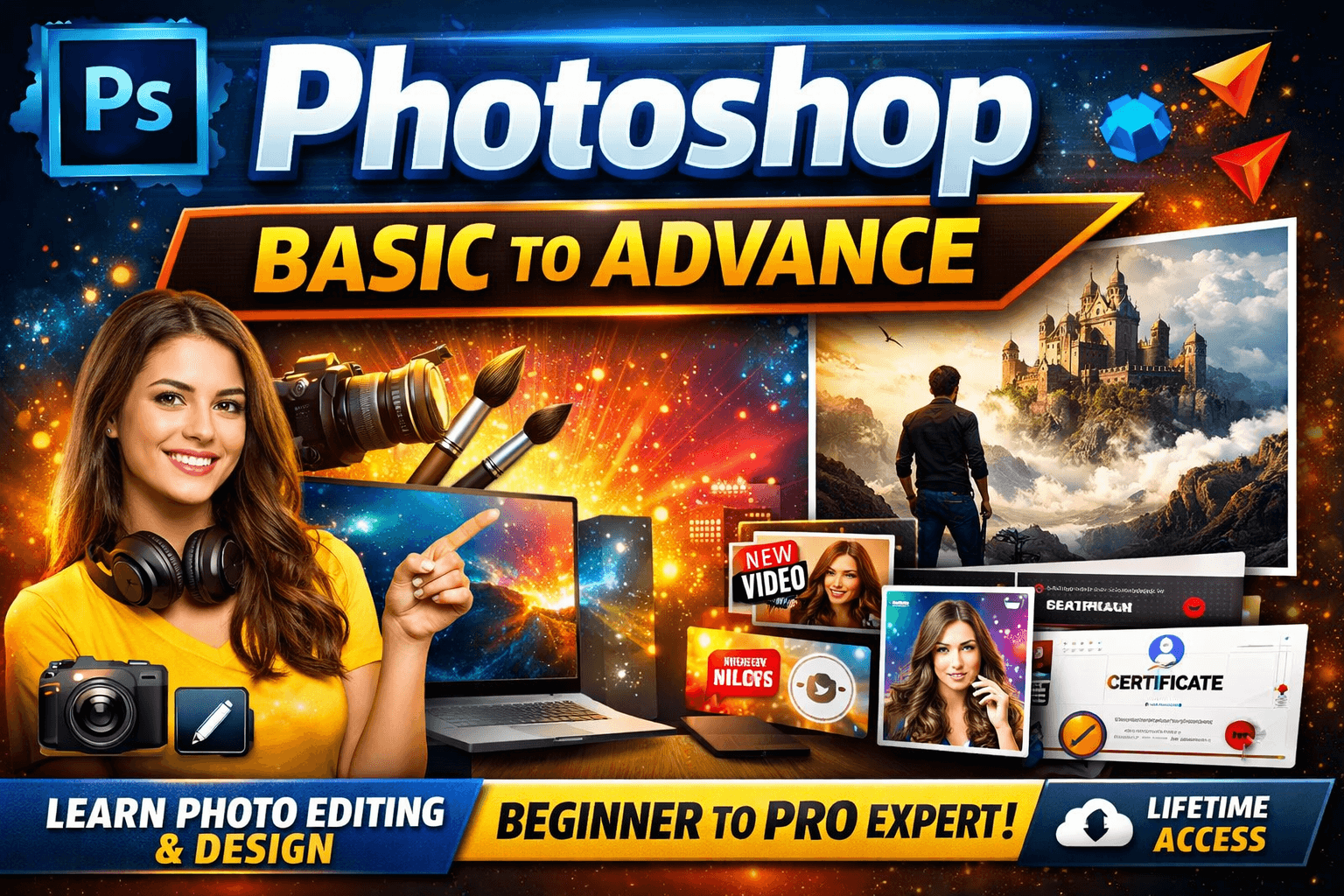
PHOTOSHOP BASIC TO ADVANCE ADVANCE
About Course
What is Photoshop Course?
This course teaches Adobe Photoshop from basics to advanced level: image editing, retouching, layer handling, photo effects, digital artwork, graphics for web/social media, and print layouts. You will learn hands-on with real-life projects and creative assignments.
Who Can Join?
- Students, creators, freelancers, and graphic designers
- No design or art experience needed (ideal for all skill levels)
- Anyone wanting to master image editing and creative projects
Course Syllabus & Topics
- Introduction: Interface, file formats, workspace customization
- Selection tools: Marquee, Lasso, Magic Wand, Quick Select
- Layers: management, blending, layer style, masks, effects
- Basic photo corrections: crop, color, exposure, healing, clone, liquify
- Advanced retouching: frequency separation, dodge & burn, face/body fixes
- Text effects & creative typography
- Filters: blur, sharpen, distort, render, artistic, smart filters
- Photo manipulations: background removal, replacement, compositions
- Color grading & corrections, curves, levels, gradients
- Digital drawings, brushes, shape/vector tools
- Social media posts, posters, banners, thumbnails
- Exporting for print, web, social and project hand-off
- Mini projects: real editing, poster design, collages, mockups
How to Study the Course
- Watch one video daily, fixed time
- Practice after each lesson
- Take notes & revise regularly
- Ask doubts in support sessions
- Complete in 1-2 months with steady effort
Jobs After Course
- Graphic Designer (social, print, ad, web banners, posters)
- Photo/Portrait Retoucher & Editor
- Freelance Thumbnail, Poster & Banner Creator
- Social Media Content Designer
- Mockup, Collage & Digital Painting Specialist
Student Ratings & Reviews
No Review Yet